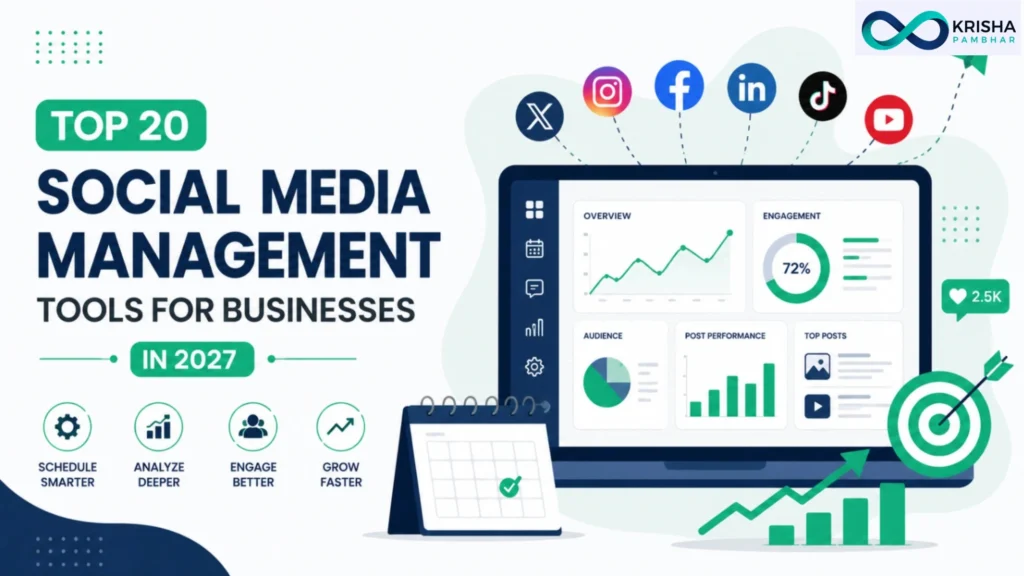
Top 20 Social Media Management Tools for Businesses in 2027 help businesses streamline scheduling, monitoring, content publishing, and performance tracking across multiple platforms. Managing social media across five or six channels manually simply isn’t realistic anymore. In 2027, the right social media management tools handle scheduling, monitoring, and reporting from one centralized dashboard, saving hours every week while keeping every channel consistent. This guide covers the best social media scheduling tools and social media monitoring tools, compares their features and pricing, and helps you choose the right solution for your business.
Which Are the Best Social Media Management Tools in 2027?
The best social media management tools in 2027 are Hootsuite, Sprout Social, Buffer, Agorapulse, Loomly, Later, SocialBee, Metricool, Publer, and Sprinklr, each combining scheduling, analytics, and team collaboration features that let businesses manage multiple platforms from a single dashboard.
No single tool wins in every category, which is why the “best” choice depends heavily on team size, budget, and which features actually matter for your workflow. Hootsuite and Sprout Social lead among larger teams that need social listening, social media marketing, and detailed reporting, while Buffer and Later remain popular with solo creators and small businesses that want simple, affordable scheduling without a steep learning curve. Agorapulse and Loomly sit comfortably in between, offering solid collaboration features at a more moderate price point than enterprise platforms. What’s increasingly common across all of these tools in 2027 is built-in AI, from caption generation to suggested posting times based on audience engagement patterns that strengthen social media marketing strategies. A useful industry practice is choosing a tool based on your current team size and channel count, not your future goals, since most platforms let you upgrade plans as you scale rather than requiring a large upfront commitment.
How Do You Choose the Right Social Media Management Tool?
Choosing the right social media management tool starts with identifying your core need: scheduling and publishing, social media monitoring tools for brand mentions, team collaboration and approvals, or detailed analytics and reporting, since most platforms specialize more heavily in one or two of these areas.
Team size and budget matter just as much as features. A solo creator managing two or three accounts rarely needs Sprout Social’s enterprise-level listening tools, while a marketing team managing dozens of client accounts will quickly outgrow a basic scheduler. It also helps to map out which platforms you actually use daily; not every tool supports every network equally well, and a tool that handles Instagram and TikTok beautifully might have weaker support for LinkedIn or Pinterest. A practical industry habit is testing the free trial or free tier of two shortlisted tools using your actual content and posting schedule, rather than relying on a demo account, since real usage reveals whether a tool’s workflow genuinely fits your team. Pricing structure is another factor worth checking closely, since some tools charge per social channel while others charge per user seat, which can significantly change the total cost depending on how your team is structured. Learn more about essential features to prioritize further down this guide.
Top 20 Social Media Management Tools for Businesses in 2027
Here are the twenty social media management tools worth considering in 2027, based on scheduling reliability, analytics depth, collaboration features, pricing transparency, and how well each one supports both organic content and monitoring:
- Hootsuite – best for enterprise-scale teams and social listening
- Sprout Social – best for deep analytics and customer engagement
- Buffer – best simple, budget-friendly scheduling tool
- Agorapulse – best for team collaboration and approval workflows
- Loomly – best for guided content creation and calendars
- Later – best for Instagram-first visual planning
- SocialBee – best for content categorization and recycling
- Metricool – best for combined organic and paid analytics
- Publer – best affordable all-in-one scheduler
- Sprinklr – best for large enterprise social operations
- Brandwatch – best dedicated social monitoring tool
- CoSchedule – best for marketing calendar integration
- Planable – best for content approval and client review
- MeetEdgar – best for evergreen content recycling
- Zoho Social – best for businesses already using Zoho
- NueLink – best budget automation for evergreen posting
- Heropost – best for agencies managing many accounts
- Iconosquare – best dedicated analytics and reporting tool
- Tailwind – best for Pinterest and Instagram scheduling
- Sendible – best for agencies with white-label reporting needs
This list blends established, widely reviewed platforms with newer tools gaining traction for their pricing or AI features, giving businesses of every size a realistic starting point. Full reviews of each tool are available further down this guide.
Quick Comparison Table of the Best Social Media Management Tools
Tool | Best For | Free Plan | Starting Price | Social Listening |
Hootsuite | Enterprise teams | No | $99/mo | Yes |
Sprout Social | Analytics & engagement | No | $249/mo | Yes |
Buffer | Budget scheduling | Yes | $6/channel/mo | No |
Agorapulse | Team collaboration | Limited | $69/mo | Limited |
Loomly | Guided content creation | 15-day trial | $42/mo | No |
Later | Instagram-first planning | Yes | $25/mo | No |
SocialBee | Content recycling | 14-day trial | $29/mo | No |
Metricool | Organic + paid analytics | Yes | Free / paid tiers | Limited |
Publer | Affordable all-in-one | Yes | Low-cost paid tiers | No |
Sprinklr | Enterprise operations | No | Custom pricing | Yes |
Pricing tiers and included features change often across this category, so always confirm current details on each provider’s official pricing page before subscribing.
How We Tested and Selected These Social Media Management Tools
We selected these tools by comparing publicly available pricing pages, reviewing verified user feedback on platforms like G2, and testing free trials or free tiers across common workflows including scheduling, basic reporting, and team approvals. We also considered insights from experienced digital marketing consultant professionals to ensure these recommendations reflect real-world business needs and practical marketing workflows.
Our evaluation weighed five practical factors: how intuitive the scheduling interface felt for a first-time user, whether the free plan or trial offered genuinely usable functionality, how transparent each provider was about pricing once channels or seats were added, the depth of analytics and reporting compared to what businesses actually need for decision-making, and whether social listening or monitoring features were included or required a separate add-on. We also cross-referenced feature claims against recent, independent comparison guides rather than relying solely on each company’s own marketing pages, since social media tool marketing often overstates AI capabilities that turn out to be fairly basic in practice. A common industry best practice, echoed across most professional reviews, is to prioritize reliability and support quality over flashy features, since a scheduling tool that occasionally fails to publish on time causes far more damage to a brand than missing a minor analytics widget.
Top 20 Best Social Media Management Tools (Individual Tool Reviews)
Below is a closer look at what each tool does well and who it’s best suited for, based on real feature sets, pricing, and common use cases rather than marketing claims alone.
Hootsuite remains one of the most complete platforms available, combining scheduling, a unified inbox, and strong social listening since its acquisition of Talkwalker, making it a solid fit for larger teams managing many channels at once.
Sprout Social consistently earns high marks for ease of use and customer support, with deep analytics and a Smart Inbox that makes it especially strong for brands treating social media as part of their customer service operation.
Buffer keeps things simple with clean scheduling, an AI assistant for drafting captions, and a genuinely usable free plan, making it a favorite among solo creators and small teams.
Agorapulse stands out for its approval workflows, letting teams review and sign off on content before it publishes, which suits agencies managing multiple client accounts.
Loomly offers guided post ideas and content calendars, helping teams that struggle with consistent content planning stay organized without much extra effort.
Later was built with Instagram in mind, offering a visual grid planner that’s ideal for brands where aesthetic consistency matters as much as posting frequency.
SocialBee focuses on content categorization, letting businesses recycle evergreen posts efficiently rather than constantly creating new content from scratch.
Metricool combines organic scheduling with paid ad analytics in one dashboard, appealing to marketers who want both channels tracked together.
Publer delivers most core scheduling and analytics features at a noticeably lower price than bigger-name competitors, making it popular with budget-conscious small businesses.
Sprinklr is built for large-scale enterprise operations, offering extensive customization and reporting suited to organizations managing dozens of brands or regions.
Brandwatch is a dedicated social monitoring tool, tracking brand mentions and sentiment across the web, useful for businesses prioritizing reputation management over scheduling.
CoSchedule integrates social scheduling directly with a broader marketing calendar, appealing to teams that want social content planned alongside campaigns and content marketing.
Planable focuses heavily on content approval and client review, making it a strong choice for agencies needing clear sign-off trails before anything goes live.
MeetEdgar automates evergreen content recycling, automatically re-queuing older posts, which suits businesses with a library of timeless content worth resurfacing.
Zoho Social integrates tightly with the broader Zoho software suite, making it a logical choice for businesses already using Zoho CRM or other Zoho tools.
NueLink offers budget-friendly automation for evergreen posting, appealing to smaller teams that want recurring content scheduled without much manual upkeep.
Heropost is built for agencies managing many accounts at once, with a one-time lifetime pricing option that appeals to teams wary of recurring subscription costs.
Iconosquare focuses specifically on analytics and reporting depth, making it a strong add-on for teams that already schedule elsewhere but need better performance insight.
Tailwind specializes in Pinterest and Instagram scheduling, with tools like hashtag suggestions tailored specifically to those visually driven platforms.
Sendible offers strong white-label reporting, making it a practical choice for agencies presenting performance data directly to clients under their own branding.
Social Media Management Tools vs Social Media Scheduling Tools: What's the Difference?
A social media scheduling tool focuses primarily on planning and publishing content in advance, while a full social media management tool includes scheduling plus additional features like monitoring, analytics, team collaboration, and often social listening across multiple platforms.
The distinction matters because businesses sometimes pay for far more than they need, or conversely, underestimate what a growing team actually requires. A scheduling tool like Buffer or Later is built around a simple goal: get content published at the right time with minimal friction, which suits solo creators and small businesses well. A full management platform like Hootsuite or Sprout Social goes further, adding a unified inbox for responding to comments and messages, sentiment tracking, and detailed performance reporting across every connected channel. For example, a small bakery posting a few times a week likely only needs scheduling, while a growing e-commerce brand fielding hundreds of customer messages across platforms needs the monitoring and inbox management a full management tool provides. A practical way to decide is asking whether your biggest challenge is simply finding time to post, which scheduling tools solve well, or whether it’s tracking engagement and brand sentiment across channels, which requires a fuller management platform.
Essential Features Every Social Media Management Tool Should Have
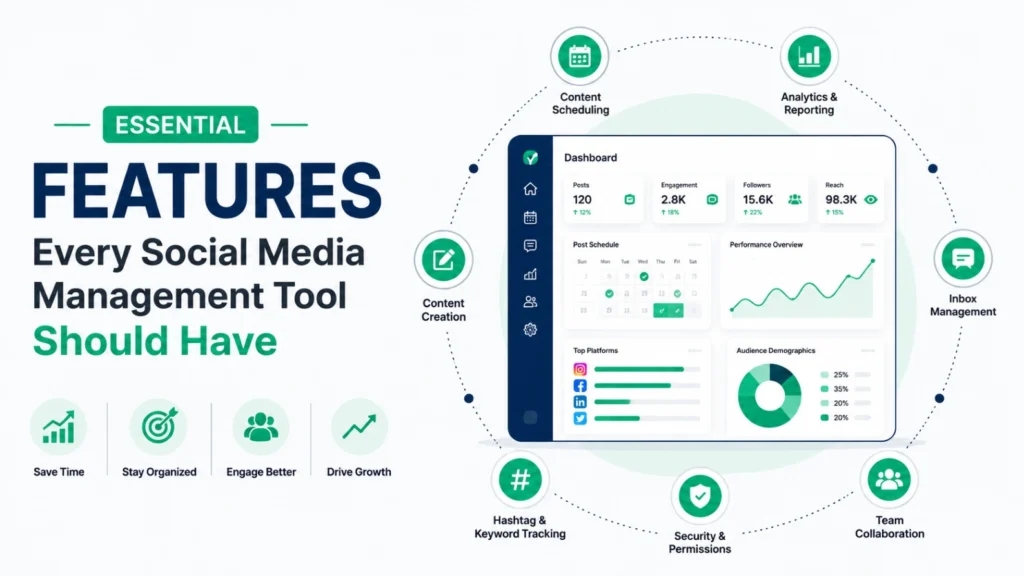
Every essential social media management tool should offer reliable multi-platform scheduling, a unified content calendar, basic analytics and reporting, team collaboration or approval workflows, and either built-in or integrated social monitoring tools for tracking brand mentions.
Reliable scheduling is the foundation, since a tool that occasionally fails to publish on time undermines consistency, one of the most important factors in social media growth. A unified content calendar matters because it gives teams a clear visual overview of what’s planned across every platform, preventing gaps or accidental duplicate posting. Basic analytics and reporting should go beyond vanity metrics like follower count, showing engagement rate, best-performing content types, and ideally audience growth trends over time. Team collaboration features, such as draft approval or commenting, become essential once more than one person touches content before it publishes, preventing miscommunication or off-brand posts from going live. Finally, social monitoring capability, even a basic version, helps businesses catch brand mentions or customer complaints quickly rather than discovering them days later. A practical example: a business without monitoring tools might miss a viral customer complaint on X for hours, while a tool with real-time alerts allows a same-day response that protects brand reputation. Businesses comparing a digital marketing freelancer vs consultant should also consider whether their chosen social media management tool supports collaboration, reporting, and client communication to match their marketing workflow.
Common Mistakes Businesses Make When Choosing Social Media Management Tools
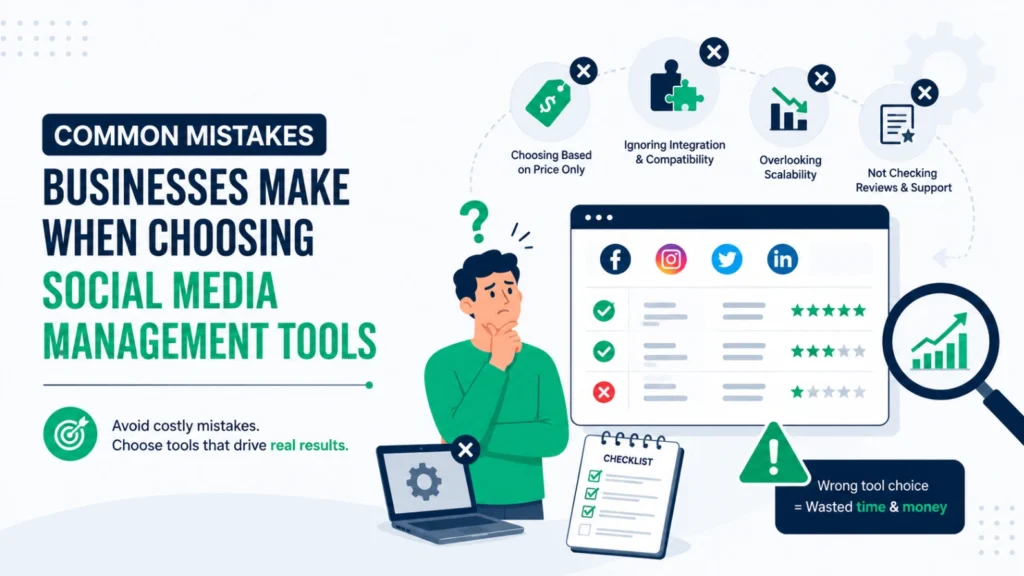
The most common mistakes are choosing a tool based on price alone without checking feature limits, ignoring how well a tool supports the specific platforms the business actually uses, and underestimating how many team members or approval steps the workflow requires.
Choosing purely on price often backfires when a “cheap” plan turns out to exclude features like analytics exports or team seats that a business needs within a few months, forcing an unplanned upgrade or migration. Ignoring platform support is another frequent oversight; a tool that handles Instagram and Facebook well might have limited or clunky support for TikTok or LinkedIn, which matters significantly if those channels drive most of a business’s engagement. Businesses also sometimes select a tool sized for a solo user, only to add three more team members a few months later, leading to a confusing scramble to configure approval workflows retroactively. Another common mistake is overlooking social monitoring entirely, assuming scheduling is the only feature that matters, until a viral complaint or trending mention goes unnoticed for days. Finally, some businesses skip testing a free trial with real content, relying instead on a polished demo, which rarely reveals how a tool performs with an actual, sometimes messy, day-to-day posting schedule.
How to Choose the Best Social Media Management Tool for Your Business
Choosing the best social media management tool for your business starts with matching the platform to your team size, channel priorities, and core need, whether that’s simple scheduling, deeper analytics, team approvals, or dedicated social monitoring tools for brand reputation tracking.
Solo creators and very small businesses typically do best starting with an affordable, straightforward tool like Buffer or Later, upgrading only once a specific limitation, such as needing more team members or deeper analytics, becomes a real bottleneck. Growing teams managing client accounts or multiple brands often benefit more from Agorapulse or Sendible, both known for approval workflows and white-label reporting. Larger organizations with dedicated social teams and reputation management needs typically justify the cost of Sprout Social, Hootsuite, or Sprinklr, given their deeper listening and enterprise-grade reporting. A practical approach many businesses use is listing their top three recurring social media tasks, then selecting the tool that best supports those specific tasks rather than the one with the longest feature list. Testing two shortlisted tools with your actual content calendar for a week or two, rather than relying on a sales demo, remains the most reliable way to confirm real workflow fit before committing to an annual plan
Red Flags to Avoid Before Buying a Social Media Management Tool
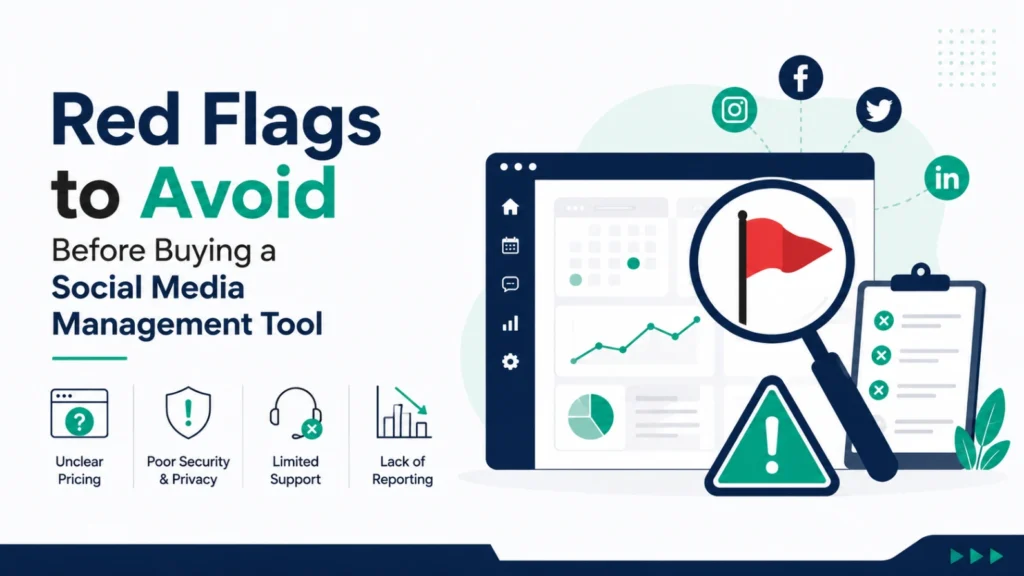
Key red flags include vague pricing that only becomes clear after signup, missing or unreliable customer support, no free trial or demo option, frequent reports of failed or delayed scheduled posts, and a lack of recent updates or platform integrations.
Vague pricing is common among newer tools that advertise an attractive starting price but require upsells for basic features like analytics exports or additional channels, so it’s worth checking exactly what’s included before committing. Unreliable customer support becomes a serious issue the moment something breaks, particularly if a scheduled post fails to publish during a time-sensitive campaign or product launch. A missing free trial is also worth noting, since most established platforms, including Buffer, Hootsuite, and Agorapulse, offer some form of trial specifically because they’re confident their tool holds up under real use. Reports of failed or delayed posts, found in independent reviews rather than the company’s own site, are one of the most serious red flags in this category, since consistency is often the entire point of using a scheduling tool. Finally, be cautious of tools that haven’t added new platform integrations or updates recently, since social platforms change their APIs frequently, and a tool that falls behind can quietly stop supporting features like Instagram Reels or TikTok scheduling without much warning
Why Social Media Management Tools Matter in 2027
Social media management tools matter in 2027 because businesses are now expected to maintain a consistent presence across multiple platforms simultaneously, something that’s nearly impossible to do manually without wasting significant time or missing key engagement opportunities.
Consumers increasingly expect brands to respond quickly to comments and messages, and a delayed response can noticeably affect customer trust, particularly for businesses relying on social media for customer support. Management tools solve this by centralizing publishing, monitoring, and reporting into one place, reducing the time spent logging into five or six separate apps throughout the day. This efficiency becomes even more important as more platforms emerge and consumer attention continues fragmenting across channels, since businesses without a centralized system risk inconsistent posting or missed engagement. A common industry practice among growing businesses is treating social media management tools as core infrastructure, not an optional extra, budgeting for them the same way they would budget for accounting or project management software. As competition for attention increases across every major platform, businesses using proper management tools consistently maintain more reliable posting schedules and faster response times than those managing everything manually, both of which directly influence audience growth and customer retention over time.
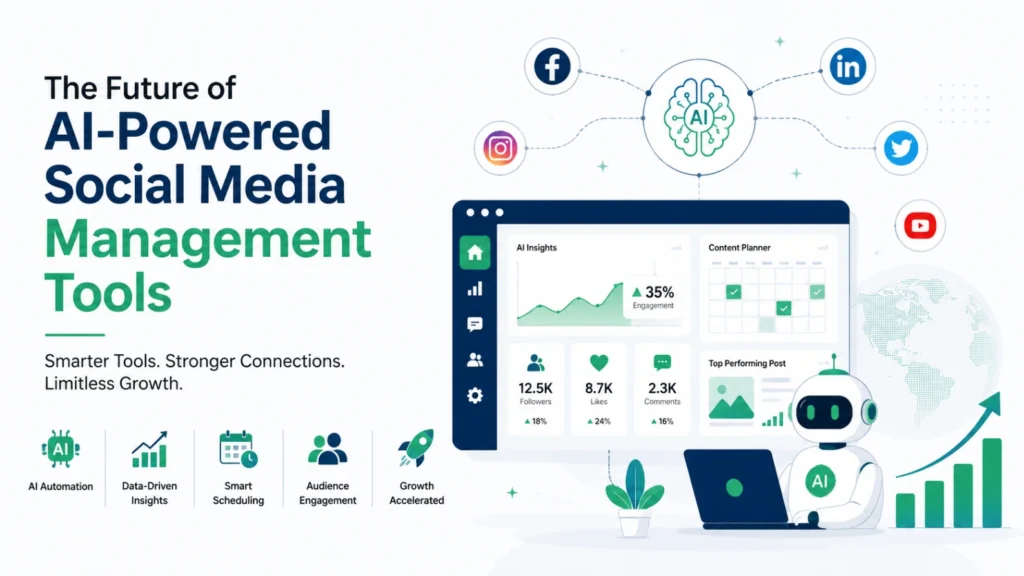
Future of AI-Powered Social Media Management Tools
The future of AI-powered social media management points toward deeper content automation, predictive analytics that suggest optimal posting strategies before content even publishes, and more advanced sentiment analysis that connects social monitoring tools directly to real-time business decisions.
AI features like caption generation and suggested posting times are already standard across most major platforms, and the next shift is likely toward tools that don’t just suggest content but actively adjust strategy based on real-time performance data, similar to how paid advertising platforms already optimize campaigns automatically. Predictive analytics, forecasting which content types or posting times are likely to perform best based on historical patterns, is expected to become more precise as these platforms accumulate more data across industries. Deeper integration between social listening and business operations is also likely, with monitoring tools flagging urgent customer issues or trending topics directly into a business’s broader customer service or product feedback systems, rather than staying siloed within a single social media dashboard. Businesses that adopt these AI-driven tools early, while still maintaining a genuine, human voice in how they engage with their audience, are likely to see the strongest results, since AI works best as a support system for strategy rather than a full replacement for authentic brand communication.

Frequently Asked Questions (FAQs)
The best social media management tools in 2027 include Buffer, Hootsuite, Sprout Social, Metricool, SocialPilot, Later, Agorapulse, Sendible, Loomly, Publer, Vista Social, Planable, Zoho Social, CoSchedule, ContentStudio, Falcon.io, Brandwatch, NapoleonCat, Meltwater, and HubSpot Social. The right tool depends on your business size, budget, and marketing goals.
A social media management tool is software that helps businesses schedule posts, manage multiple social media accounts, monitor engagement, analyse performance, and collaborate with team members from one dashboard.
Social media management tools save time, improve consistency, automate publishing, track campaign performance, and help businesses manage multiple social media platforms more efficiently.
Buffer, SocialPilot, Metricool, and Publer are among the best social media management tools for small businesses because they are affordable, easy to use, and offer essential scheduling and analytics features.
Agencies often choose Sprout Social, Hootsuite, Sendible, Agorapulse, and Planable because they support multiple clients, team collaboration, approval workflows, and detailed reporting.
Yes. Free tools like Buffer, Metricool, Publer, and Later are great for beginners and small businesses. However, premium plans usually provide advanced analytics, automation, collaboration, and AI-powered features.
A good social media management tool should include:
- Post scheduling
- Content calendar
- AI content assistance
- Social media analytics
- Multi-platform publishing
- Team collaboration
- Social listening
- Performance reporting
- Mobile app
- Automation features