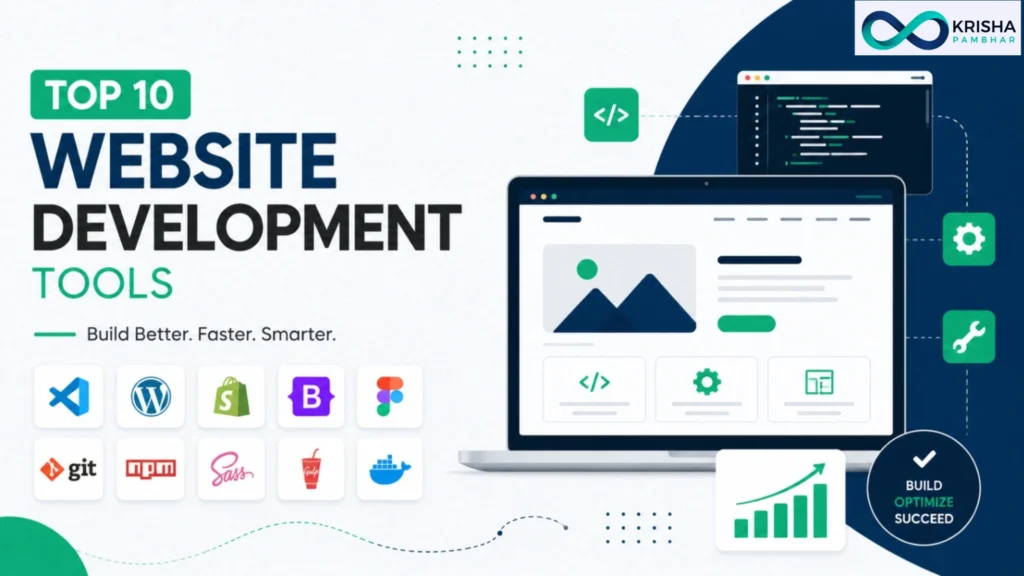
Top 10 AI Tools for Website Development in 2027 are transforming the way websites are built. Instead of hiring developers, learning to code, or spending weeks using traditional website builders, you can now create a professional website in minutes with AI. In this guide, you’ll discover the best free AI website builder, the leading AI website generator platforms, and the best no-code website builders to help you choose the right tool for your business, portfolio, or online store with confidence.
Which Are the Best AI Tools for Website Development in 2027?
The best AI tools for website development in 2027 are Wix ADI, Framer AI, Hostinger AI Website Builder, 10Web, Durable, Webflow AI, Squarespace AI, Lovable, Bolt.new, and Readdy AI. These tools combine natural-language prompts, automated design, built-in SEO, and one-click hosting to turn an idea into a live website in minutes.
Each tool serves a slightly different purpose. Some, like Durable and Hostinger, focus on speed and simplicity for small business owners who need a site today. Others, like Webflow AI and Bolt.new, target developers and agencies that want clean, exportable code and scalability. Framer AI sits in between, offering design-forward templates that need little cleanup. Choosing the “best” tool really depends on your goal: a quick landing page, a full business website, or a custom web application with a database. Industry practice among web professionals is to match the tool to the project’s complexity rather than chasing the single “best” option, since no AI builder is equally strong at every task. Later in this guide, you’ll find a detailed comparison table and individual reviews to help you match your project to the right tool without wasting time on trial and error.
Which AI Website Builder Is Best for Creating a Website for Free?
Hostinger AI Website Builder and Durable are currently the best free AI website builder options for creating a working site at zero cost. Both let you generate a complete website from a text prompt, including layouts, images, and starter copy, without requiring a credit card to begin. While these tools can help you build a professional website quickly, businesses with complex requirements may still benefit from working with the best website developer for fully customized solutions.
For someone asking “which AI is best for creating website for free,” the honest answer depends on what you’re building. Durable is ideal for a one-page business site launched in under a minute, complete with a contact form and basic SEO fields already filled in. Hostinger’s free tier gives you more editing flexibility and a built-in AI logo maker, which is useful if you don’t have branding assets yet. Wix ADI also offers a capable free plan, though it pushes upgrades more aggressively once you add e-commerce features. A common mistake beginners make is judging “free” purely by price and ignoring hosting limits, storage caps, or forced branding badges. Before committing, check whether the free plan lets you connect a custom domain later, since some tools lock this behind a paywall. Read our comparison table below to see exactly what each free plan includes.
Top 10 AI Tools for Website Development in 2027
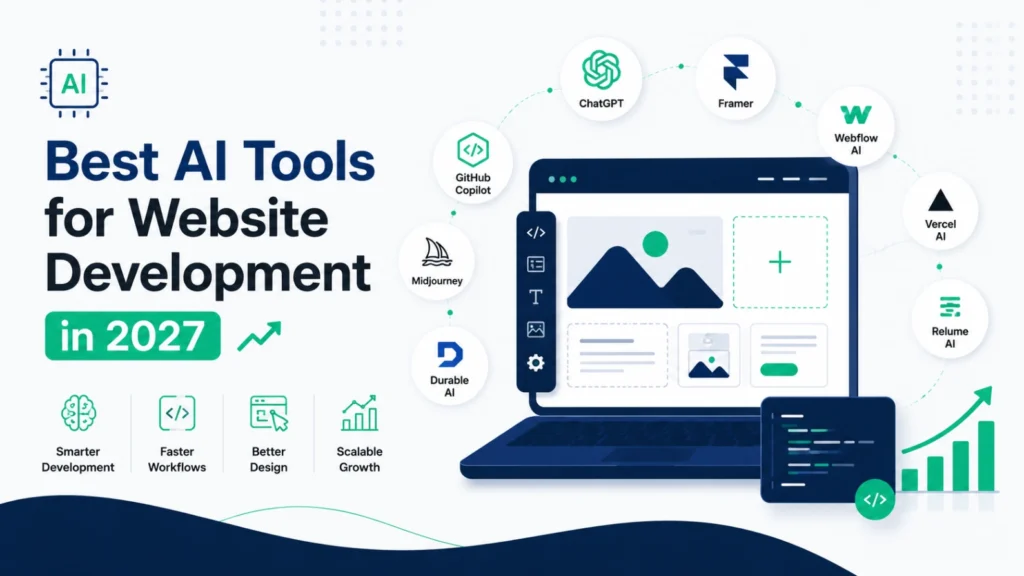
Here are the ten AI website development tools worth using in 2027, based on ease of use, design quality, SEO support, pricing transparency, and how well the output performs after publishing:
- Wix ADI – best all-around AI website builder with strong app marketplace
- Framer AI – best for design-forward marketing sites and portfolios
- Hostinger AI Website Builder – best free AI website builder for beginners
- 10Web – best AI website generator built on WordPress
- Durable – fastest AI website builder, live site in under a minute
- Webflow AI – best for teams needing full design-system control
- Squarespace AI – best for creatives and content-heavy sites
- Lovable – best AI website builder free with prompt for full-stack apps
- Bolt.new – best for developers who want exportable, editable code
- Readdy AI – best no-code website builder for rapid prompt-to-live sites
This list reflects tools that are actively maintained, widely reviewed, and used by real businesses, not experimental projects likely to shut down. Learn more about how each one performs in the detailed reviews section below.
Quick Comparison Table of the Best AI Website Development Tools
Tool | Best For | Free Plan | Code Export | Ease of Use |
Wix ADI | All-purpose websites | Yes | No | Very Easy |
Framer AI | Design-forward sites | Limited | Partial | Easy |
Hostinger AI | Free beginner sites | Yes | No | Very Easy |
10Web | WordPress-based sites | Trial only | Yes (WP) | Moderate |
Durable | Instant business sites | Yes | No | Very Easy |
Webflow AI | Design systems | Limited | Yes (code) | Moderate |
Squarespace AI | Content & portfolios | No | No | Easy |
Lovable | Full-stack web apps | Limited credits | Yes | Moderate |
Bolt.new | Developer-grade apps | Limited credits | Yes | Advanced |
Readdy AI | Fast no-code launch | Yes | No | Very Easy |
This table gives a quick snapshot, but pricing tiers and feature limits change often, so always confirm current details on the provider’s official pricing page before signing up.
We selected these tools by evaluating publicly available features, pricing pages, user reviews on platforms like G2 and Capterra, and hands-on trial accounts across common use cases, including small business websites, portfolios, and online stores. As an SEO expert, we also compared each tool based on output quality, SEO readiness, website performance, and pricing transparency to ensure they deliver long-term value for users.
Our evaluation criteria focused on five practical factors: how close the AI-generated draft came to a usable final site, whether the free plan was genuinely usable or just a teaser, how well pages performed on page-speed checks, whether the tool allowed a custom domain and code export, and how transparent the pricing was once add-ons were included. We also cross-checked claims against independent reviews rather than relying only on each company’s marketing page, since AI website builder marketing tends to overstate speed and understate limitations. This mirrors the standard practice used by independent tech review sites: test the free tier first, then evaluate whether paid upgrades are actually necessary for your use case. Tools that required a credit card just to preview a demo, or that buried hosting costs until checkout, were flagged as lower trust in our internal notes, even if their design output looked polished.
Top 10 AI Website Development Tools (Detailed Reviews)
Below is a closer look at how each of the ten tools performs in real use, including strengths, limitations, and who each one is best suited for. These reviews go beyond the feature list to explain what actually happens once you start building.
Wix ADI – generates a full multi-page site from a short questionnaire and remains one of the most beginner-friendly options, backed by a large app marketplace for adding bookings, e-commerce, or forms.
Framer AI – produces some of the most visually polished output of any tool on this list, making it a strong pick for portfolios and startup landing pages that need to look premium fast.
Hostinger AI Website Builder -can generate a complete site, including a logo and starter copy, in under a minute, making it a genuinely useful best free AI website builder for beginners.
10Web – builds on WordPress, giving you access to thousands of plugins later while still starting from an AI-generated layout, which suits users who may outgrow a closed-platform builder.
Durable – focuses purely on speed, ideal for a local business owner who needs a live site with a contact form today rather than a highly customized design.
Webflow AI -pairs AI generation with a professional design system, appealing to agencies and teams that need consistency across many pages.
Squarespace AI- leans on strong templates and AI copywriting assistance, making it well suited to bloggers, photographers, and service businesses focused on content.
Lovable – functions as an ai website builder free with prompt for building full web apps with databases and logic, not just static pages, though free usage is credit-limited.
Bolt.new – targets developers who want AI-generated, fully exportable code they can edit line by line, avoiding vendor lock-in.
Readdy AI -promises a live, prompt-generated website in under 60 seconds, making it one of the fastest no-code options for simple sites.
Best AI Website Generators for Businesses and Developers
For businesses and developers, the best AI website generators are Webflow AI, 10Web, Bolt.new, and Lovable, since they support scalability, code ownership, and integrations that simple drag-and-drop builders typically don’t offer.
Businesses need more than a nice-looking homepage; they need a website that can grow with inventory, staff logins, bookings, custom workflows, and support digital marketing services such as SEO, content marketing, and lead generation. Webflow AI is often chosen by agencies because it produces a structured design system rather than a one-off page, keeping a growing website consistent as new pages are added. 10Web is a strong choice for businesses that anticipate needing WordPress plugins for specific functionality later on. Developers, meanwhile, tend to prefer Bolt.new or Lovable because both generate real, editable code instead of a locked visual editor, which is essential when a project requires custom logic beyond standard templates. A common industry practice is to prototype quickly with an AI generator, then hand the exported code to a developer for refinement, combining speed with technical control. This hybrid approach creates a scalable website that not only supports future growth but also provides a strong foundation for digital marketing services and long-term online success.
Best No-Code AI Website Builders in 2027
An AI website builder generates a complete site from a text prompt in minutes, handling layout, copy, and structure automatically, while a traditional builder like classic drag-and-drop Wix or Squarespace requires you to design each page manually from a blank template.
Neither option is universally “better”; the right choice depends on your priorities. AI builders save significant time upfront, which matters most to solo founders, freelancers, or small businesses that need a site live quickly and don’t have design experience. Traditional builders offer more granular control, since you’re placing every element by hand rather than accepting an AI’s first draft, which some designers and agencies still prefer for brand-specific work. In practice, most modern platforms now blend both approaches: you start with an AI-generated draft, then fine-tune it manually, which combines speed with control. A useful way to decide is to ask how much customization your project genuinely needs. A local bakery’s website rarely needs pixel-level customization, making an AI builder the more efficient choice, while a design agency’s portfolio might justify the extra manual effort of a traditional builder. Both paths can produce a professional result when used correctly.
Key Features to Look for in an AI Website Development Tool
The most important features to look for in an AI website development tool are prompt-based generation, built-in SEO controls, mobile responsiveness, custom domain support, code export options, and transparent pricing without hidden hosting fees.
Prompt-based generation is the core feature that separates true AI builders from traditional drag-and-drop tools, since it lets you describe your business in plain language and receive a structured starting point instead of a blank canvas. Built-in SEO controls matter just as much as design, because a beautiful site that can’t be found on Google provides little real value; look for tools that let you edit meta titles, alt text, and URL slugs directly. Mobile responsiveness should never be an afterthought, since most web traffic today comes from phones, and a site that breaks on mobile will hurt both user experience and search rankings. Custom domain support and code export give you an exit path if you ever want to switch platforms or hand the project to a developer, protecting you from vendor lock-in. Finally, transparent pricing prevents the common frustration of a “free” plan that turns out to require payment for hosting, a custom domain, or removing platform branding. Prioritizing these features over flashy design templates will save time and money later.
Common Misconceptions About AI Website Builders
The most common misconception is that AI website builders produce a finished, launch-ready site with zero editing needed; in reality, every AI builder generates a strong starting draft that still benefits from manual review and light customization.
Another widespread misconception is that AI-built websites automatically rank well on Google. SEO depends on factors like content quality, page speed, backlinks, and ongoing updates, none of which an AI builder can guarantee just by generating a page. Some people also assume free plans are fully free forever, when in practice many free tiers restrict custom domains, remove SEO tools, or add platform branding that only a paid plan removes. There’s also a belief that AI builders are only for beginners, but developer-focused tools like Bolt.new and Lovable generate real, exportable code used by technical teams building full applications. Finally, some assume all AI website builders work the same way; in reality, some generate static templates while others build dynamic, database-connected applications, and confusing the two often leads to choosing the wrong tool for a project’s actual needs. Understanding these misconceptions upfront prevents disappointment after signing up.
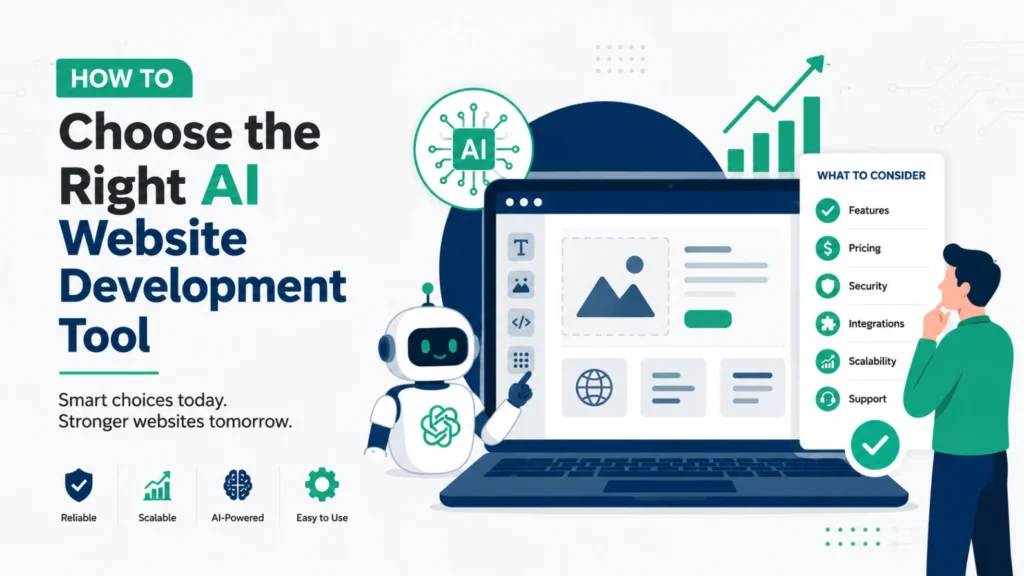
How to Choose the Right AI Website Development Tool
Choosing the right AI website development tool starts with defining your project type: a simple landing page, a content-driven business site, an online store, or a custom web application, since each category favors a different kind of builder.
Once you know your project type, match it against budget, technical comfort, and long-term plans. If you need a site live today with minimal editing, Durable or Hostinger’s free tier is a practical starting point. If your brand depends heavily on visual identity, Framer AI or Squarespace AI are better suited to producing a polished result without much manual design work. Businesses expecting to scale, add staff logins, or integrate custom workflows should lean toward Webflow AI, 10Web, or a code-based tool like Bolt.new. It also helps to test the free tier of two or three shortlisted tools with your actual content before committing to a paid plan, since a demo template rarely reflects how a tool handles your real business information. Industry best practice is to prioritize export options and data ownership early, so switching platforms later doesn’t mean rebuilding the site from scratch. This approach reduces wasted time and prevents costly platform switching down the road.
Red Flags to Avoid Before Choosing an AI Website Builder
Key red flags include vague or hidden pricing after the free trial, no option to connect a custom domain, no way to export your content or code, poor page-speed scores on demo sites, and a lack of recent reviews or updates from the company.
Hidden pricing is one of the most common complaints among AI website builder users, where a “free” or “$0 to start” offer turns out to require a paid plan just to publish or remove branding. Always check whether custom domain support is included or locked behind an upgrade, as this directly affects your website’s credibility, SEO, and long-term growth. Lack of export options is another major risk because it leaves you dependent on a single platform. Slow-loading demo sites are also a warning sign, since they can negatively impact user experience and Google rankings. Finally, be cautious of newer AI builders with limited independent reviews or inactive update histories, as many platforms appear and disappear quickly. Understanding these factors—and the benefits of hiring a digital marketing consultant to guide your website strategy—can help you choose the right platform, improve search visibility, and avoid costly mistakes in the future.
Mistakes to Avoid When Using AI for Website Development
The most common mistakes are publishing the AI-generated draft without editing it, ignoring page speed and mobile performance, skipping basic SEO settings, and choosing a tool based on price alone without checking feature limits.
Publishing an unedited AI draft is risky because generic AI-written copy often reads similarly across many sites using the same tool, which can weaken your brand’s uniqueness and trust with visitors. Ignoring page speed is another frequent oversight; a slow-loading site increases bounce rates and can hurt search rankings, so it’s worth running your published site through a speed-testing tool before considering the project done. Skipping SEO settings, such as page titles, meta descriptions, and image alt text, means your site may look great but stay invisible in search results, since AI builders don’t always fill these in optimally by default. Choosing a tool purely because it’s the cheapest option can also backfire if it lacks essential features like custom domain support or e-commerce integration, forcing a costly platform switch later. A better approach is to treat the AI-generated site as a strong first draft, then invest a few hours refining copy, checking mobile display, and setting up SEO basics before officially launching.
Why AI Website Development Is the Future of Web Design
AI website development is becoming the standard approach because it dramatically reduces the time, cost, and technical skill required to launch a professional site, allowing more businesses and individuals to establish an online presence without hiring a developer for every project.
This shift mirrors broader trends across the software industry, where AI increasingly handles repetitive, structural work so humans can focus on strategy, branding, and content quality. Small businesses that previously delayed launching a website due to cost or complexity now have a realistic path to going live within a day. Agencies are also adopting AI tools internally to speed up early-stage prototyping, then applying custom development on top of the AI-generated foundation. This doesn’t eliminate the need for skilled designers and developers; instead, it changes their role toward refinement, optimization, and solving problems AI can’t handle alone, such as complex business logic or highly custom user experiences. As AI models continue improving at understanding design intent and writing more natural, brand-specific copy, the gap between an AI-generated draft and a professionally finished site will likely keep narrowing, making these tools even more central to how websites get built
Future Trends in AI Website Development
Future trends in AI website development point toward deeper personalization, real-time AI editing through simple conversations, tighter integration with business tools like CRMs and payment systems, and stronger built-in SEO and AI search optimization as AI-driven search continues to grow. While AI will automate much of the development process, a skilled website developer will remain essential for creating custom functionality, optimizing performance, and delivering complex web solutions that go beyond AI-generated templates.
Personalization is likely to move beyond static templates toward websites that adjust content, layout, or offers based on visitor behavior in real time, similar to how e-commerce recommendation engines already work. Conversational editing, where you simply tell the AI what to change in plain language instead of clicking through menus, is already emerging in tools like Lovable and Bolt.new and is expected to become standard across most builders. Deeper integrations with CRMs, email marketing platforms, and payment processors will likely reduce the need for third-party plugins, streamlining how businesses manage their sites from one dashboard. As AI-powered search platforms like ChatGPT, Gemini, and Perplexity become larger traffic sources, expect AI website builders to add features specifically optimized for AI-search visibility, not just traditional Google SEO. Businesses that adopt these tools early and keep content genuinely useful, rather than generic, are likely to benefit most as the AI website development space continues to mature through 2027 and beyond.
Frequently Asked Questions (FAQs)
The best website development tools in 2027 include Lovable, Emergent, Bolt.new, Replit AI, v0 by Vercel, Wix AI, Framer AI, Hostinger AI Website Builder, Webflow AI, and Canva AI Website Builder. These AI-powered tools help users build websites faster with features like prompt-based generation, no-code editing, responsive design, and built-in SEO.
Yes, ChatGPT can help build a website by generating HTML, CSS, JavaScript, React code, website content, and design ideas. However, it does not publish websites directly. Many developers combine ChatGPT with AI website builders like Lovable, Bolt.new, or Wix AI to speed up development.
The best AI depends on your needs. Lovable is ideal for full-stack web applications, Bolt.new is great for instant web apps, v0 by Vercel excels at frontend UI generation, and Wix AI is one of the best AI website builders for beginners and small businesses.
Website development typically involves AI website builders, code editors, frontend frameworks, backend technologies, databases, hosting platforms, and design tools. Popular options include Lovable, Webflow AI, Wix AI, Replit AI, VS Code, GitHub, Figma, and Vercel.
The three main types of web development are:
- Frontend Development – Builds the user interface using HTML, CSS, and JavaScript.
- Backend Development – Handles servers, databases, and application logic.
- Full-Stack Development – Combines both frontend and backend development into one complete solution.
Wix AI is one of the best free AI website builders because it offers AI-powered website creation, customizable templates, built-in SEO tools, and an easy-to-use editor. Other excellent options include Canva AI for landing pages and Framer AI for modern website designs.
Yes, ChatGPT can help with many SEO tasks, including keyword research, content writing, meta titles, meta descriptions, FAQs, schema markup, and internal linking suggestions. However, for technical SEO audits, rank tracking, and backlink analysis, it’s best to use dedicated SEO tools such as Google Search Console, Ahrefs, or Semrush alongside ChatGPT.